Content Entry,
Beautifully Automated.
WP Bulk Pages Generator is the flagship solution for anyone who needs to build at scale. Whether you're a beginner building your first blog or an agency deploying SEO landing pages for a city, our engine does the heavy lifting so you don't have to.
Why we built this.
Most bulk tools today are either bloated paid subscriptions or buggy abandoned scripts. We wanted something better: A professional, open-source engine that just works.
The Common "Paid" Experience
- Slow, clunky interfaces with too many ads.
- Server timeouts when creating more than 10 pages.
- Broken Gutenberg block support.
- Hidden costs and monthly subscription traps.
The WBPG Masterpiece
- Crisp, Geist-inspired UI for maximum focus.
- Async Sequential Engine: No timeouts, ever.
- 100% Block Compatible out of the box.
- Permanently free and open-source craftsmanship.
Crafted for Reliability.
Zero-Lag Injection
Our engine uses DocumentFragments and virtual DOM techniques to ensure that even if you're injecting 100 rows, your browser stays fast and responsive.
Native Auto-Updates
Update the plugin directly from your WordPress dashboard via one-click GitHub releases.
Accident-Proof
Built-in lock detection. We prevent you from accidentally refreshing or navigating away during a critical batch job.
Hierarchy Support
Easily nest pages under parents to build deep SEO silos or service directories in a single operation.
Accessible for Everyone
Built to WCAG 2.2 AA standards. Keyboard navigable menus, focus visibility, and screen reader support come standard.
Three Steps to Scaled Content.
01
Pick Post Type
Select Pages, Posts, or any Custom Post Type from the dropdown and set your row count.
02
Build the Grid
Generate your interactive list. Enter titles, slugs, and assign parent pages or categories.
03
Deploy
Hit Create All. Watch the real-time progress bar as the Async Engine processes your data.
Screenshots
See the Masterpiece Engine in action across every screen.
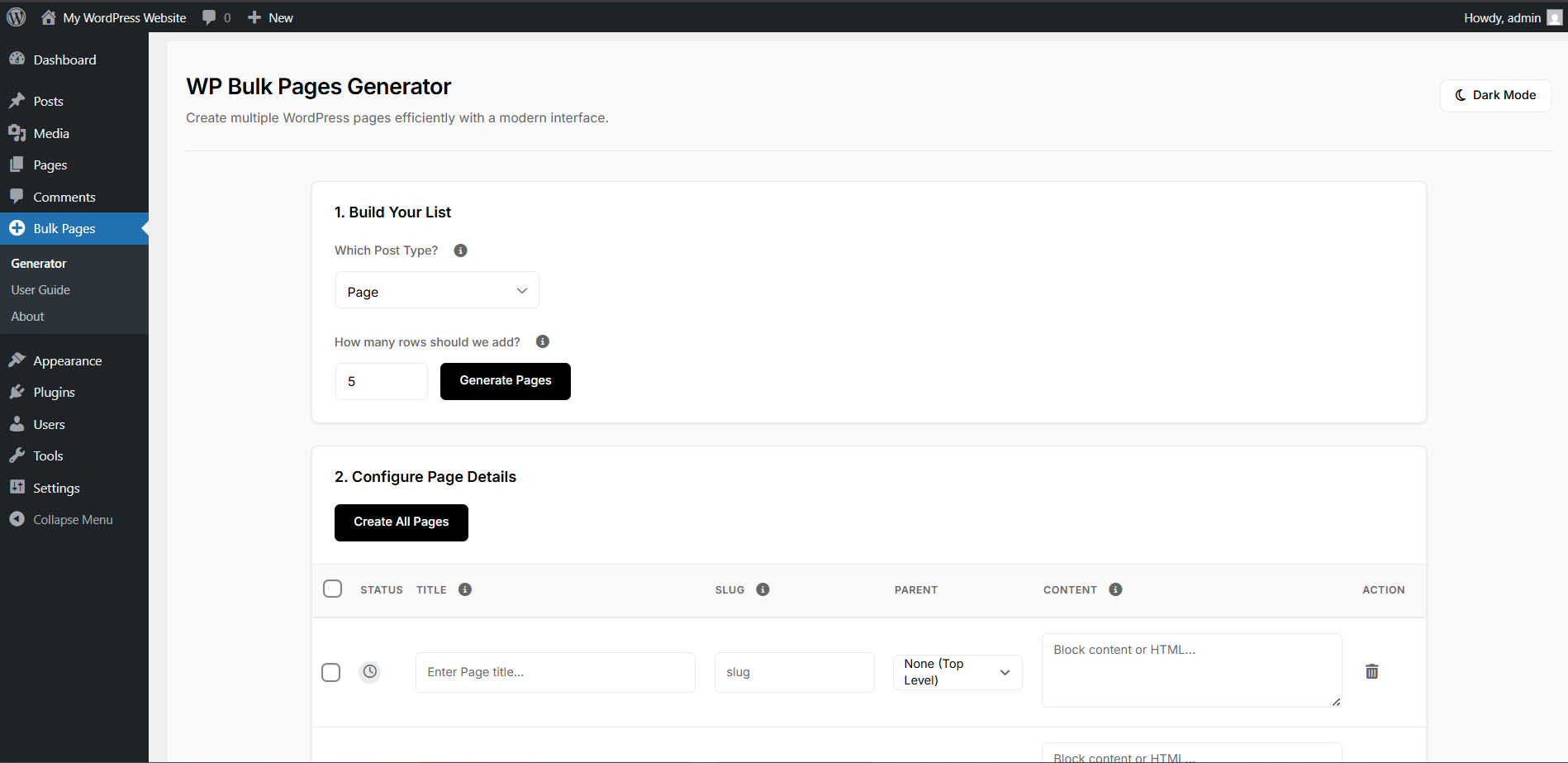 Generate Pages
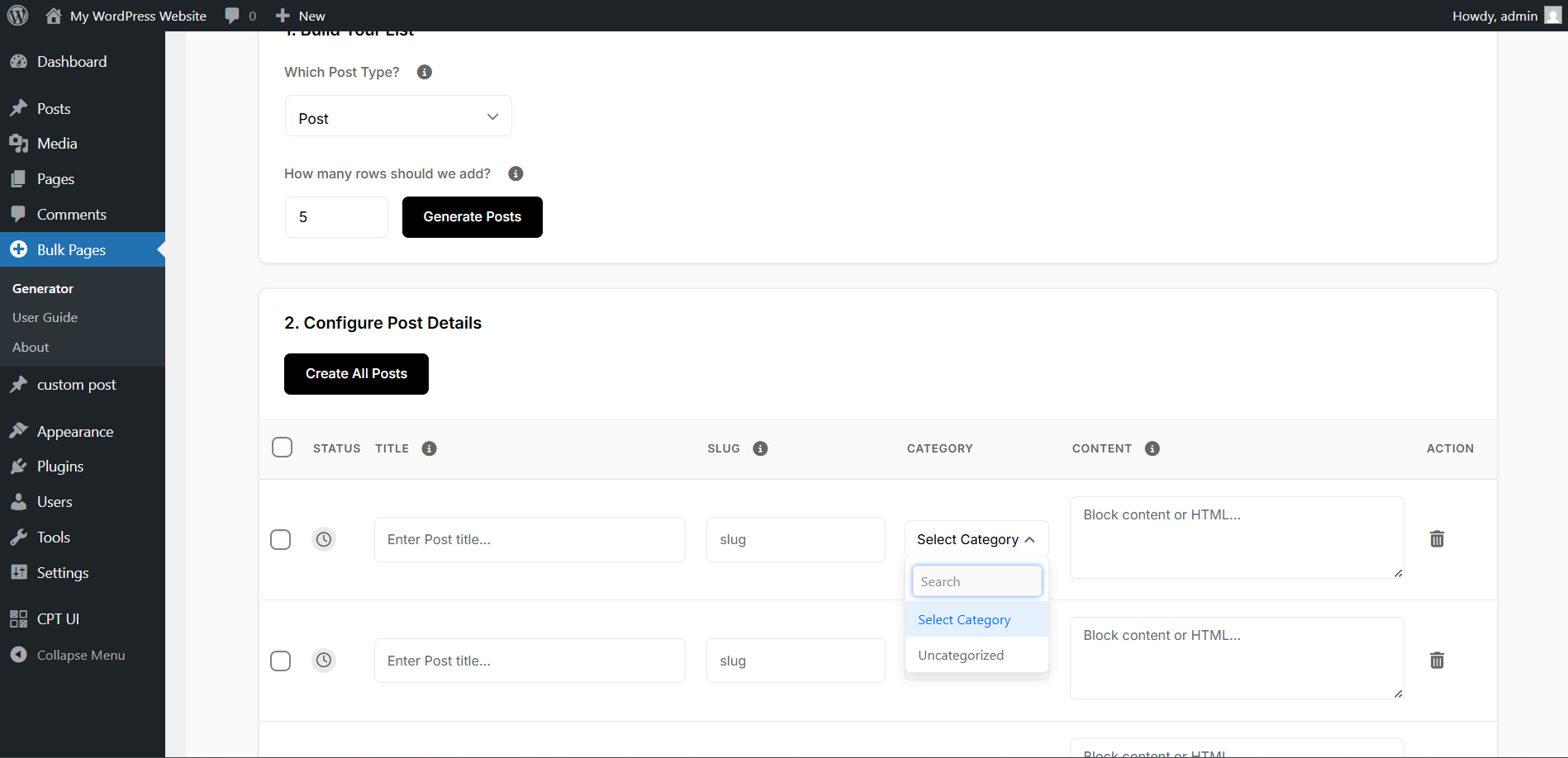 Parent & Category Search
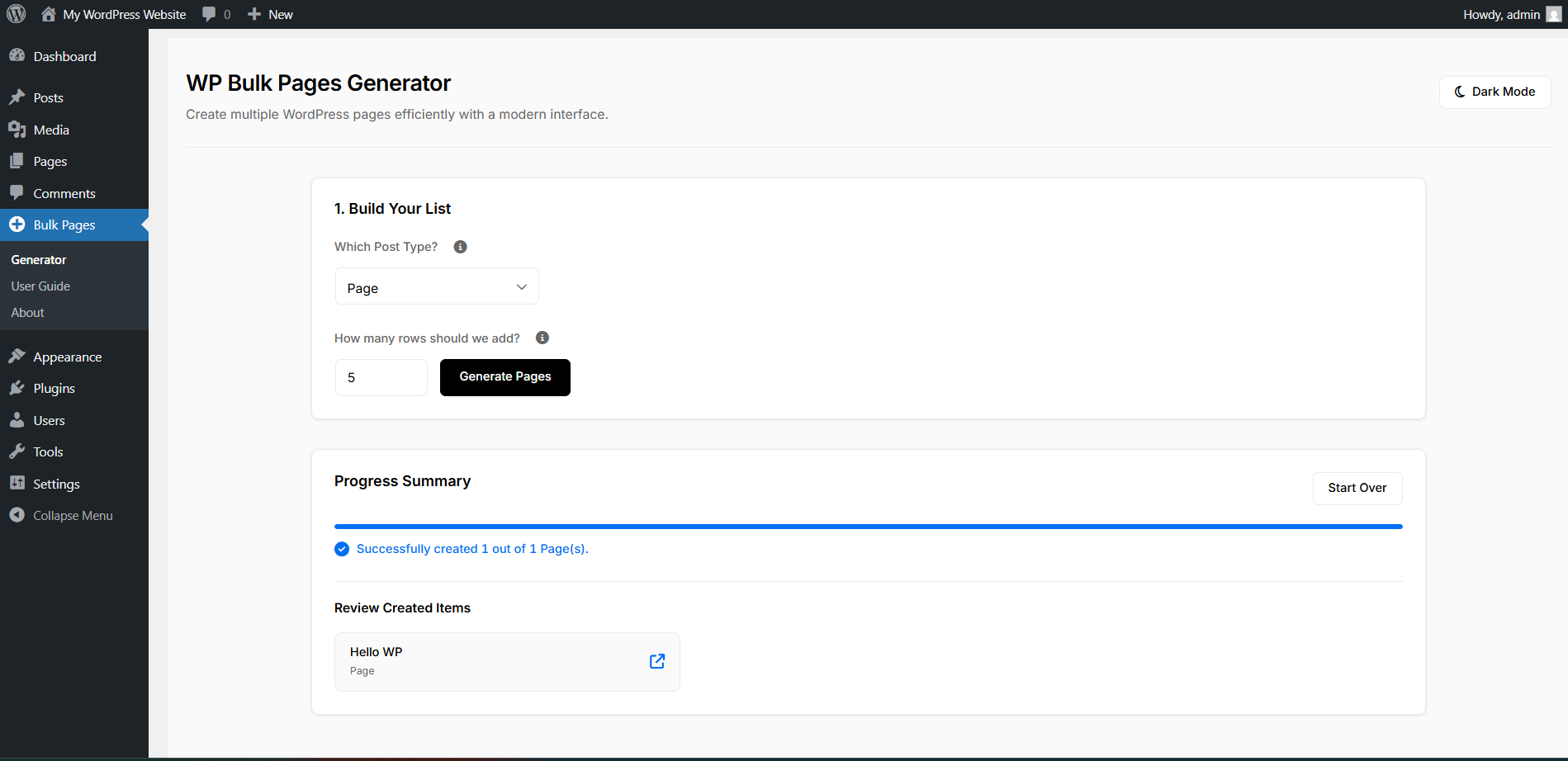 Progress Summary
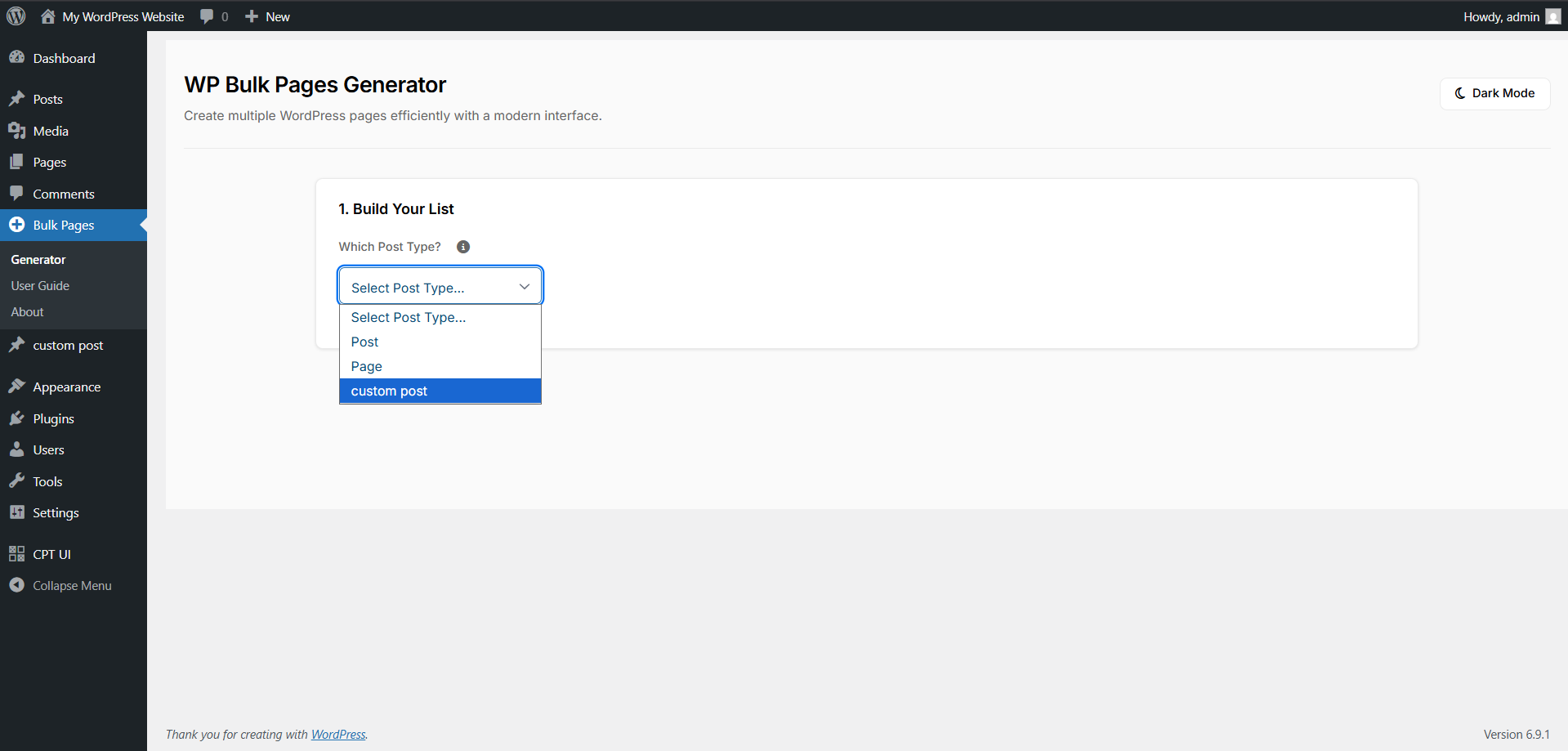 Custom Post Types
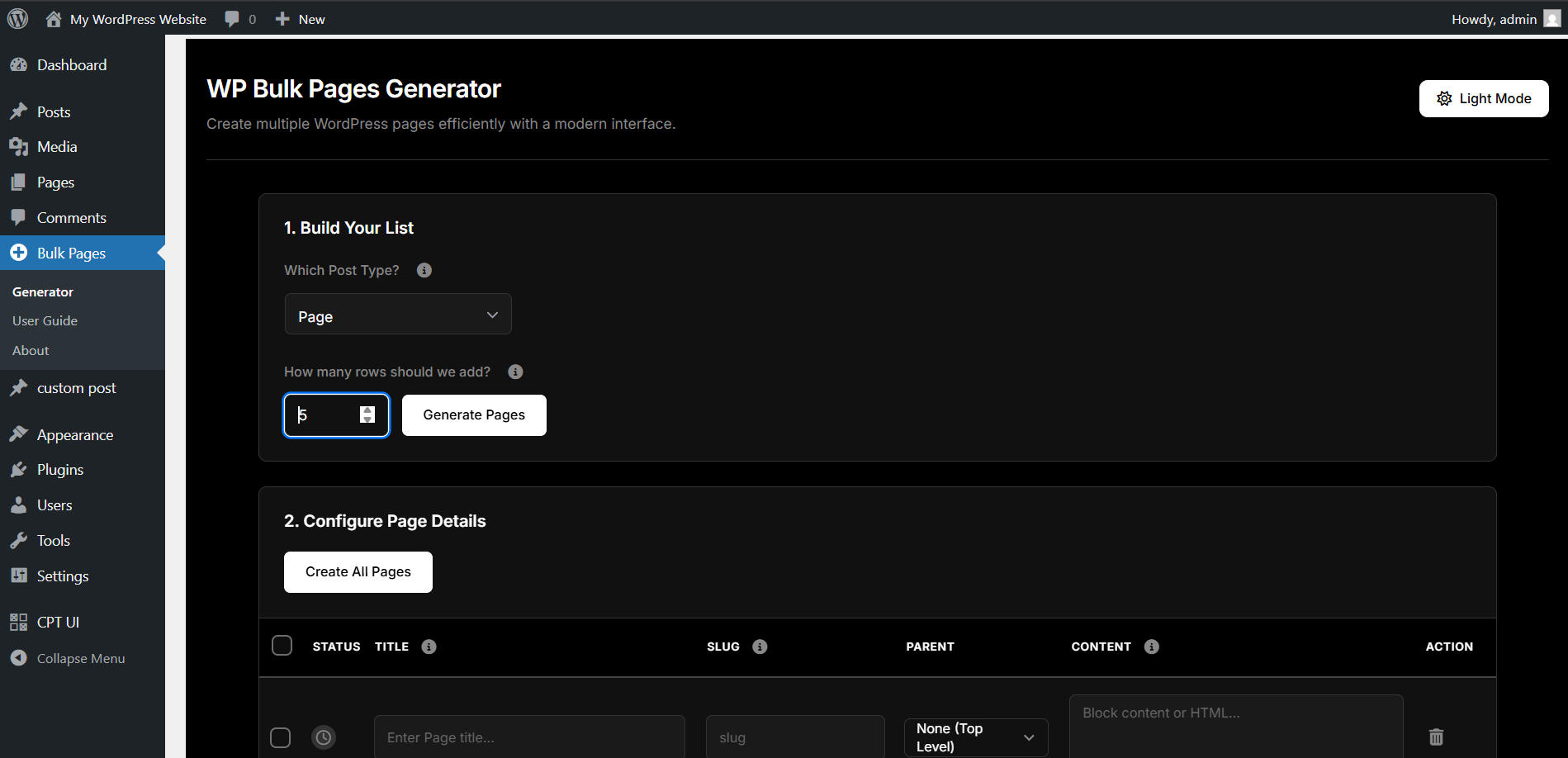 Dark Mode
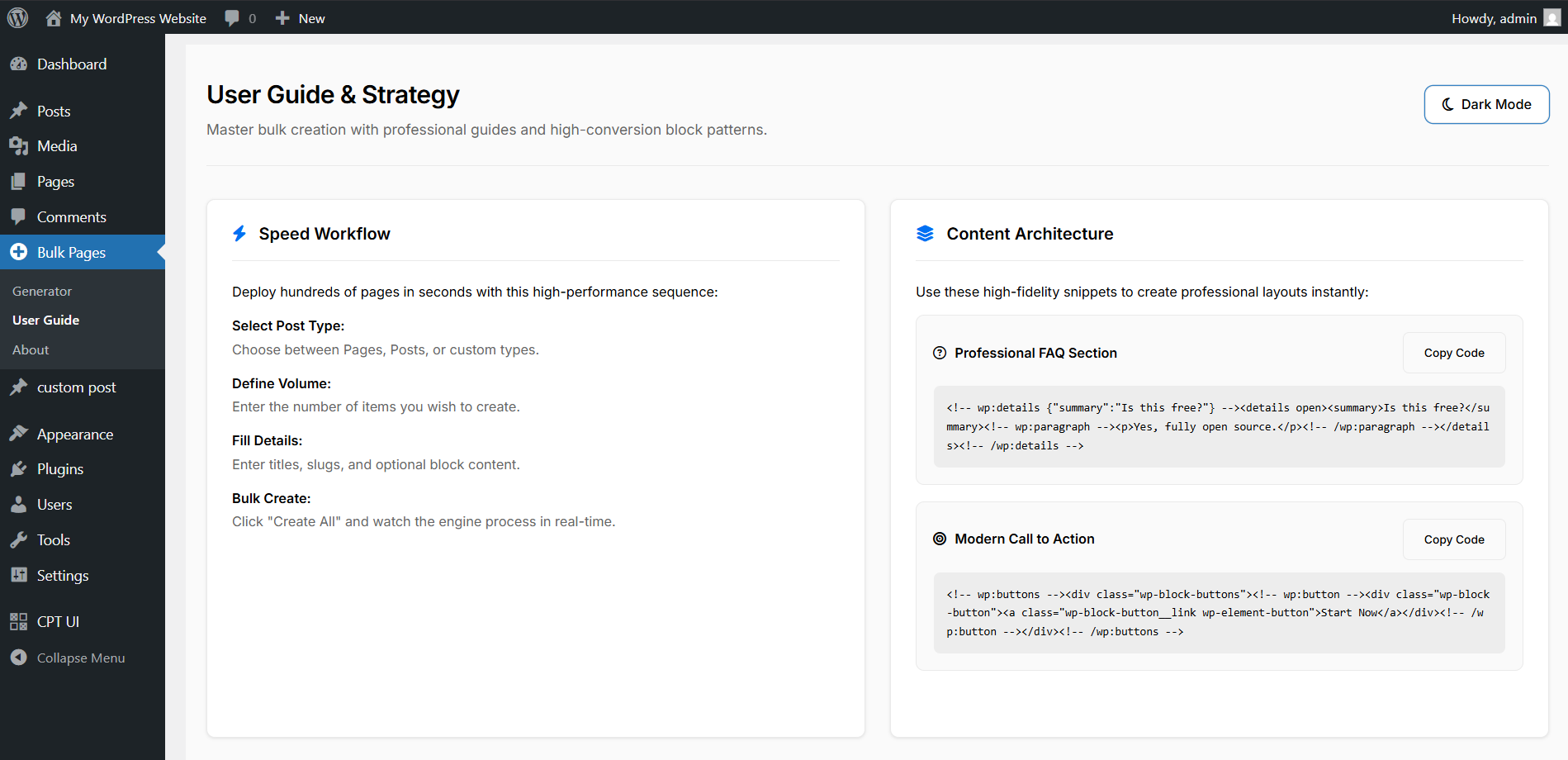 User Guide
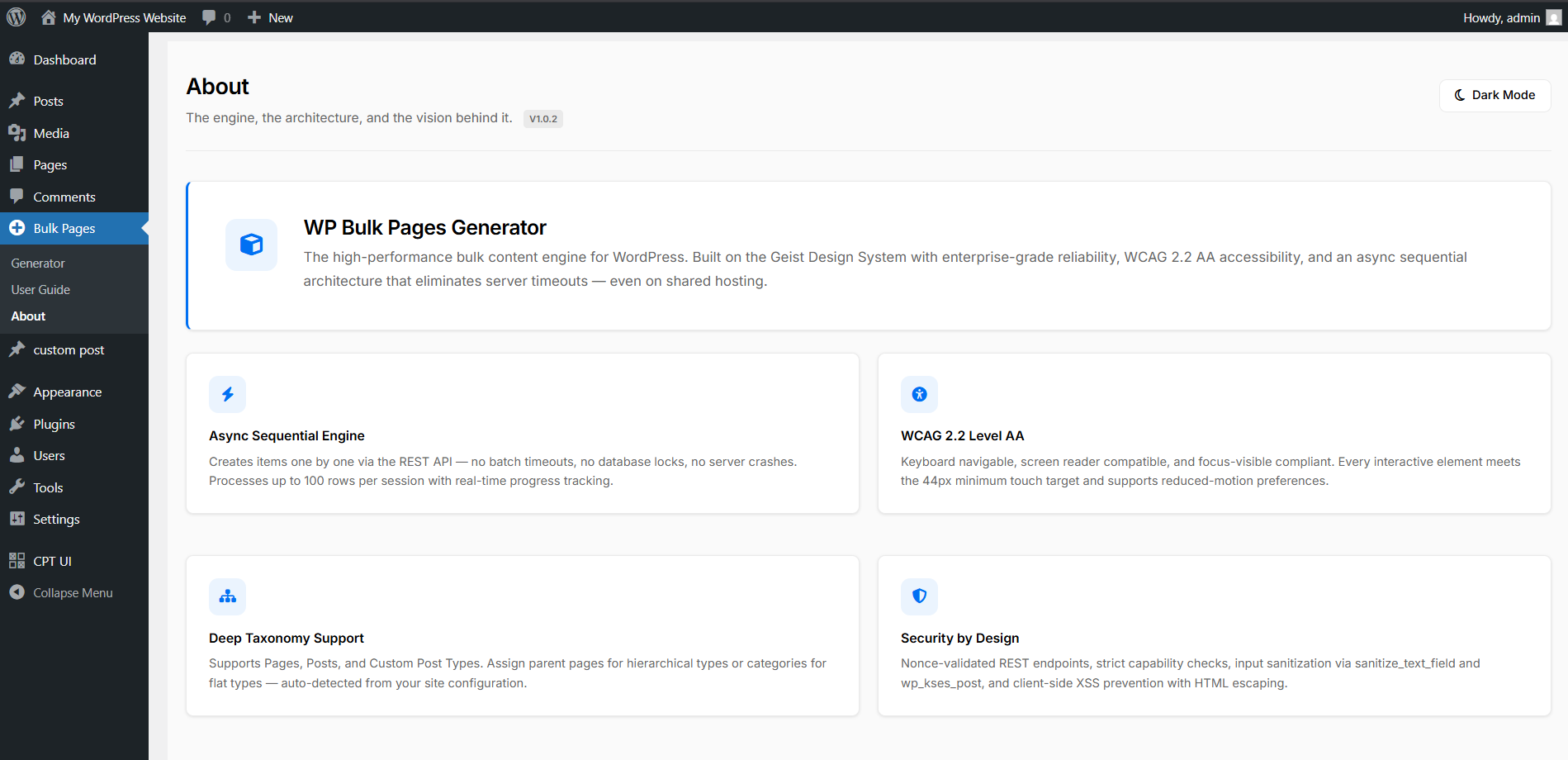 About Page
Frequently Asked Questions
Everything you need to know about the Masterpiece Engine.
It allows you to create hundreds of WordPress pages, posts, or custom post types in one go. Instead of clicking 'Add New' 50 times, you define them in a grid and deploy them all at once.
Yes. No "Pro" versions, no hidden fees, no credit cards. It is an open-source project built for the community.
Absolutely. Since it creates standard WordPress posts and pages, it is 100% compatible with every theme in the market.
None. The interface is completely visual. If you can fill out a form, you can use this plugin.
An SEO silo is a way of organizing your website content by category and sub-category. Our plugin makes building these silos easy by allowing you to set "Parent Pages" for your batches.
Standard bulk tools try to create all pages at once, which can crash servers. Our engine creates them one after another (sequentially), ensuring your server never gets overwhelmed, even on shared hosting.
Yes! You can paste raw block markup into the content column, and WordPress will render it perfectly. We even provide pattern examples in the plugin's User Guide.
Yes. The plugin auto-detects all public post types on your site, including WooCommerce Products, Portfolios, and more.
Yes. You can assign any existing page as a parent for your new batch, making it easy to build deep site structures.
Yes. For Posts and certain Custom Post Types, you can assign categories directly from the bulk grid.
The plugin uses native WordPress REST API endpoints with strict Nonce validation and Administrator capability checks.
It's our safety feature that prevents you from accidentally refreshing or navigating away while a batch is currently being processed.
Not at all. The plugin assets only load on the specific "Bulk Pages" settings page, keeping your site fast.
Yes. If you don't provide a slug, WordPress will generate one from the title automatically just like the standard editor.
Currently, v1.0.3 supports a primary category selection per batch. Advanced taxonomy mapping is a future roadmap item.
Yes. The admin interface transforms from a grid to a card view on smaller screens, making it easy to create content on the go.
Definitely. Many of our users use it to create 50 city-specific landing pages for their local businesses in minutes.
You can open an issue on our GitHub repository. We actively monitor and help our community members.
The plugin includes a built-in GitHub auto-updater. When a new version is released, you'll see an update notification directly in your WordPress dashboard — just click "Update" like any other plugin.
WordPress 6.0 or higher and a modern browser (Chrome, Safari, Firefox, or Edge). It supports PHP 7.4 through 8.5.